
Slack Channels
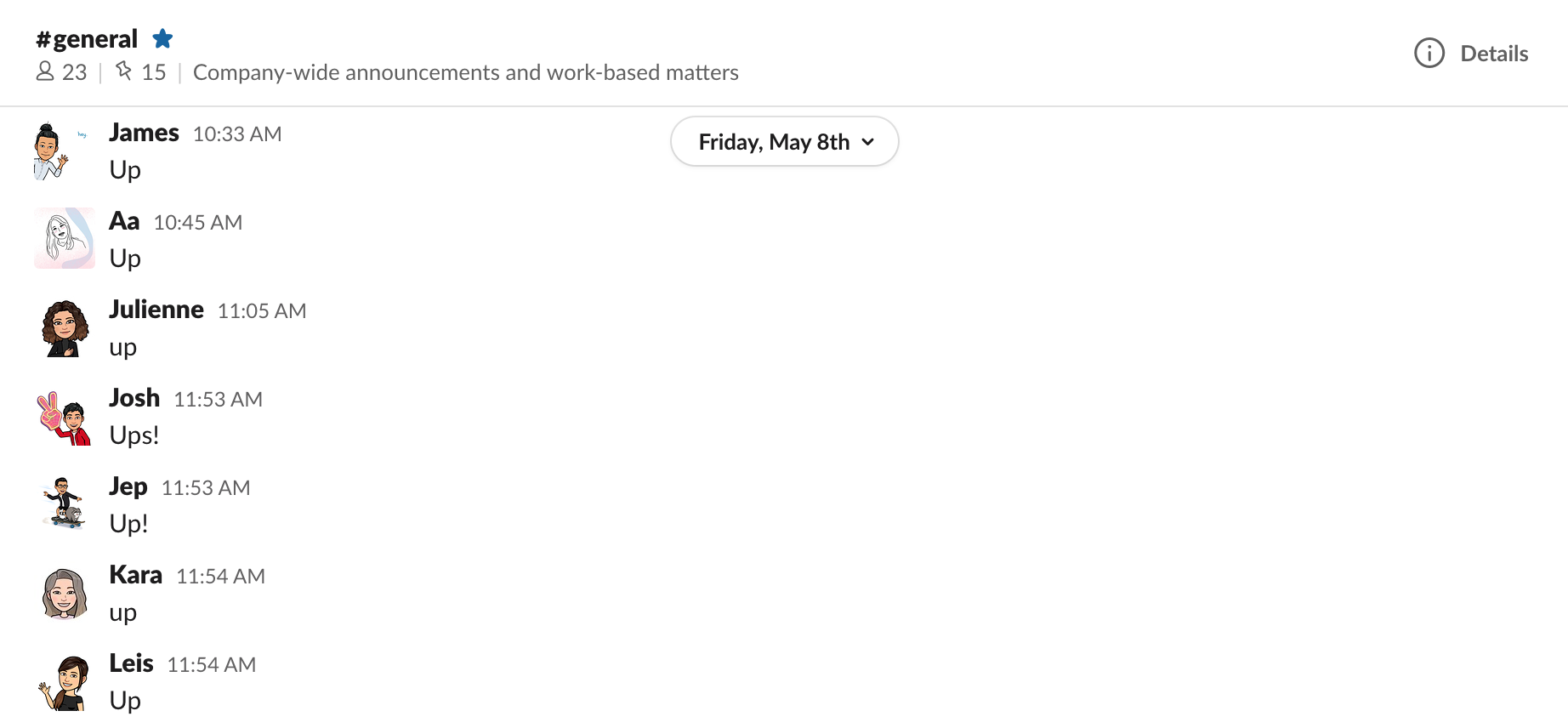
This is where you should leave a message whenever you start/end your shift, or when you leave/return for your break. We usually start the day by letting everyone know we’re up on #general.
Here are the messages we use.
- Up – When you start your day.
- Brb – When you are on break.
- It is important that you update your status when you are on break, so the management team will know that you are on break.
- You can use one of this status and feel free to change the icons if you want to.
- Back – When you get back from your break.- When you get back from your break.
- It is important that you clear or remove your status when you are back from your break.
- Out – When you are done for the day.


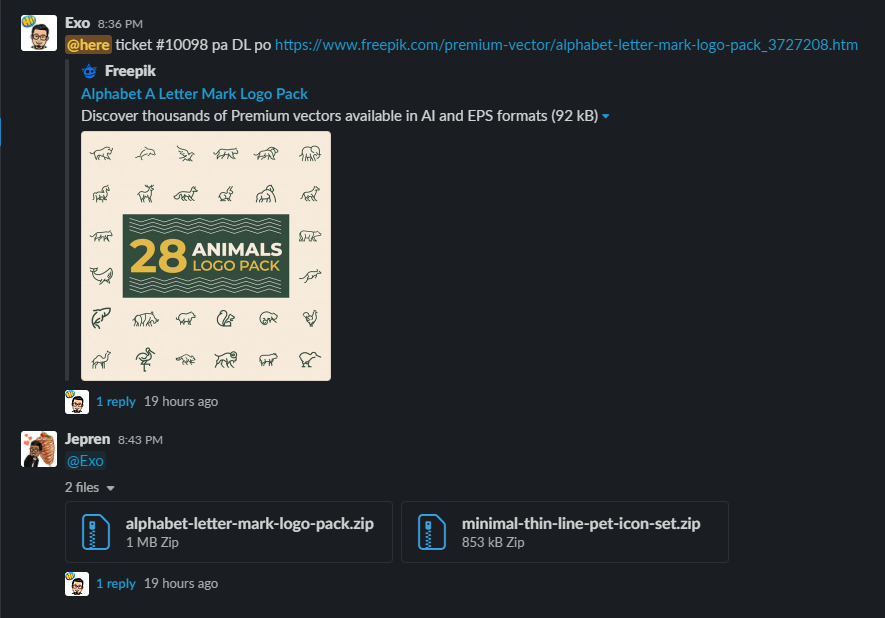
This channel is used by the designers to request a premium asset they need to be downloaded from Freepik. When requesting a download, designers will also include the ticket number they’ll be using the asset for.
tag #ticket-name link (Don’t forget the tag, so everyone in this channel will be notified)
This is a channel for designers-only announcements. Designers can also freely talk here about not related design stuff.
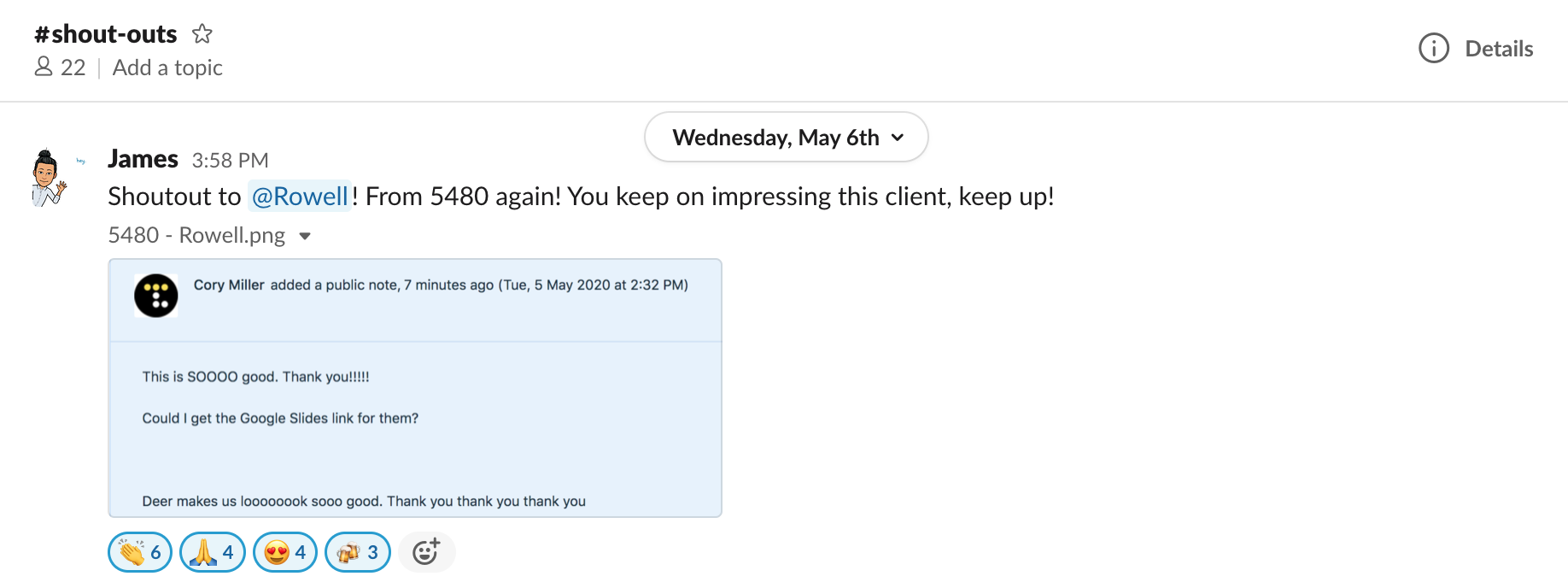
This is where we post outstanding feedback from clients. Designers who receive awesome feedback from clients are given shoutouts on this channel.
This is where you will interact with your squad members, ask questions about your ticket and get revisions from your QA.
This is also where your Account Managers give your ticket counts for the day.
You are not allowed to spam on this channel. This channel is only for ticket-related questions and clarifications.
If you have ticket-related concerns and questions, you can do this:
#ticket-name tag-assigned-AM / tag-assigned QA question/concern (Don’t forget the tags so the assigned AM / QA will get notified.)
- i.e: #6389-Web Design @Yana Clarification: The client said about an attached file but there was no attachment. Can you please confirm with the client?
Always use “Reply to thread” when replying to minimize spamming.

This channel is for company-wide announcements, HR announcements, and work-based matters. You are allowed to reply on the thread, but you are not allowed to send messages on this channel.
This channel is where we put all our birthday card greetings for birthday celebrants.
Every month we have a game called “theme of the month”, where you can win cash. You can vote and submit your entries in this channel.